つくば市のふるさと納税返礼品に、QLOPラバーカッターが登場しました!
つくば市のふるさと納税返礼品に、QLOPラバーカッターが登場しました!
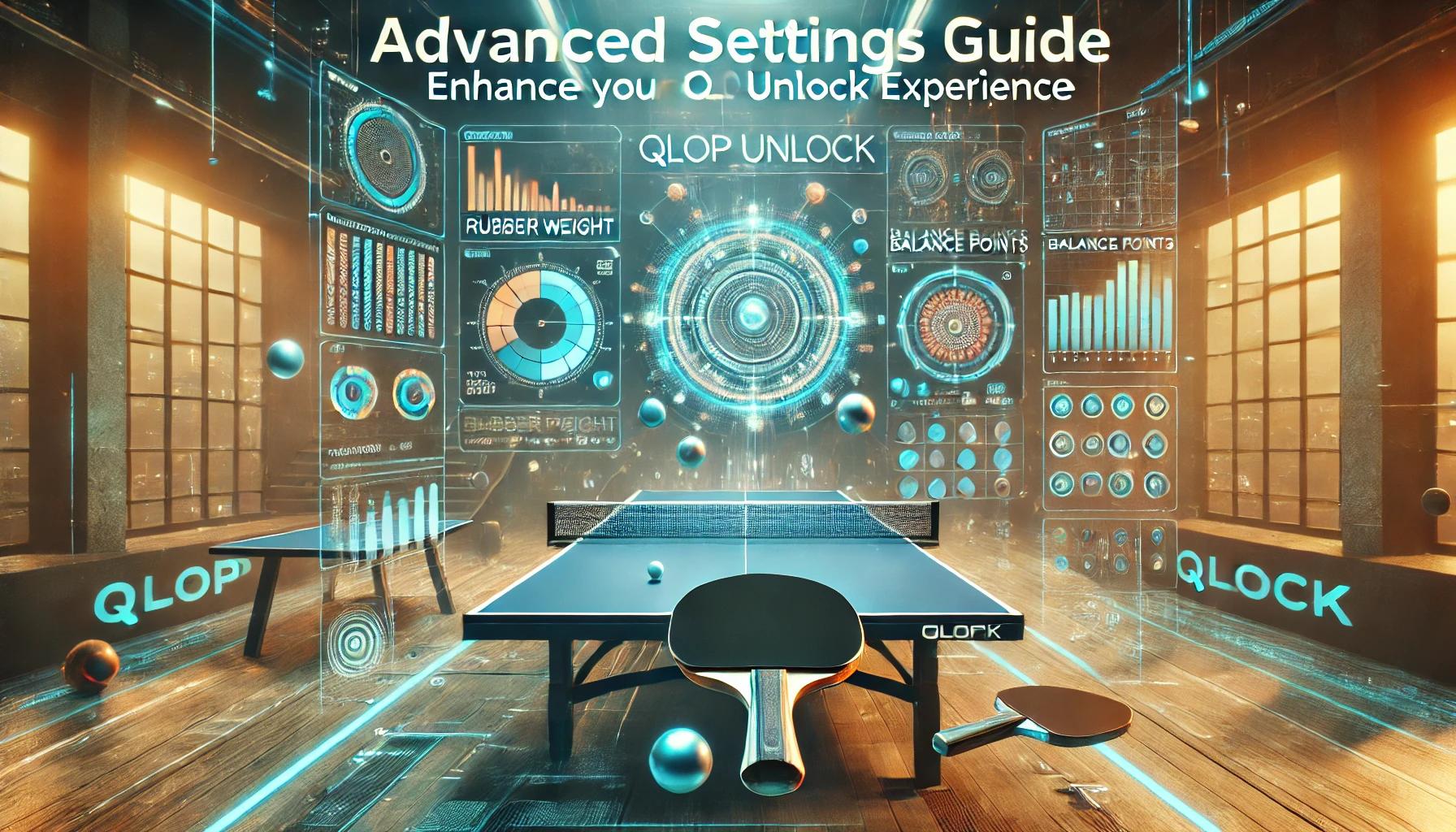
QLOP Unlockでは、卓球用具をより詳細に管理し、記録することで、プレイスタイルやパフォーマンスの向上に役立つ情報を蓄積できます。このガイドでは、用具の登録や計測、パフォーマンスの追跡についてのヒントやアドバイスをご紹介します。
用具登録は、必要な情報だけを入力すればOKです。すべての項目を埋める必要はありません。
例えば、ラバーのメーカーや厚さだけを入力し、後で追加情報を補足しても問題ありません。
使い始めながらデータを更新する方法も柔軟に対応できます。
ラバーの重量は、用具のバランスや感触に大きく影響します。正確に測定するためには、以下の手順をおすすめします。
これにより、ラバーそれぞれの正確な重量を導き出すことができます。
ラケットのバランスや重心は、スイングや回転に大きな影響を与えます。重心を確認するには以下の方法を試してみてください。
これにより、自分の好みに合った重心のラケットを選びやすくなります。
Spinsightをお持ちの方は、用具の設定による数値の違いを記録しましょう。
以下のポイントを比較することで、用具選びやプレイスタイルの改善に役立てられます。
Spinsightの数値を継続的に記録することで、用具変更がプレイに与える影響をデータで可視化できます。
ラバーを交換するたびに、新しい用具として登録することをおすすめします。
例:
1ヶ月使用したラバーAと、新品のラバーAのパフォーマンスを比較し、どのタイミングで交換するのが最適かを記録できます。
用具登録や記録を積み重ねることで、あなただけの卓球データベースが完成します。過去の記録と比較しながら、自分に最適な組み合わせや設定を見つけてください。
QLOP Unlockを活用することで、卓球用具の管理がこれまで以上に簡単かつ効果的になります。このガイドで紹介した設定や記録方法を参考に、自分のパフォーマンスをデータで追跡し、プレイスタイルを進化させましょう。
公式サイトはこちら: https://unlock.qlop.jp
QLOP Unlockで、卓球の新しい可能性を探求してみてください!
QLOP Unlock allows you to manage your table tennis equipment in detail, track changes, and gain insights to improve your playstyle and performance. This guide provides tips and advice for equipment registration, measurement techniques, and performance tracking.
You don’t need to fill in every field when registering your equipment. Just input the essential details and update additional information later as needed.
This flexible approach makes it easy to start using the platform and refine your data as you go.
The weight of your rubbers significantly impacts the balance and feel of your racket. Follow these steps to measure accurately:
This sequence ensures precise measurements of each component.
The balance point of your racket influences your swing and spin. Here’s how to locate it:
Recording the balance point helps you choose rackets that match your preferred feel and performance.
If you own a Spinsight device, use it to track numerical differences caused by equipment adjustments. Compare key metrics to refine your setup:
Keeping a log of Spinsight data allows you to visualize how equipment changes influence your performance over time.
Each time you replace a rubber, it’s a good idea to register it as a new equipment entry.
Example:
Compare the performance of a rubber after one month of use to a brand-new rubber of the same model. This helps determine the optimal replacement timing for your playstyle.
By regularly registering and updating your equipment, you’ll create a comprehensive database tailored to your needs. Use past records to identify the best configurations and fine-tune your playstyle.
With QLOP Unlock, managing your table tennis equipment becomes easier and more efficient. Use the tips in this guide to track changes, discover trends, and improve your performance through data-driven insights.
Explore More: https://unlock.qlop.jp
Unleash your full potential with QLOP Unlock!
つくば市のふるさと納税返礼品に、QLOPラバーカッターが登場しました!
XIOMとQLOP、韓国市場で協業開始第一弾として卓球専用ラバーカッター「EZCUT」を展開へ
メジャーリーグテーブルテニス優勝メンバーの面田采巳選手とQLOPがスポンサー契約を締結
「卓球を、次の世界へ。」VICTAS × QLOP “ラバーを切る” という文化が、卓球を進化させる。
「ラバーを切る」という小さな挑戦が、世界の卓球を変えるかもしれない
卓球専用ラバーカッターで世界へ挑む ── つくば発QLOP、目標897万円のクラウドファンディングを一般公開
世界の卓球市場に革新を!つくば発・卓球ラバーカッターが20年ぶりに再始動~TikTok80万回再生、Reddit6万ビューの大反響~
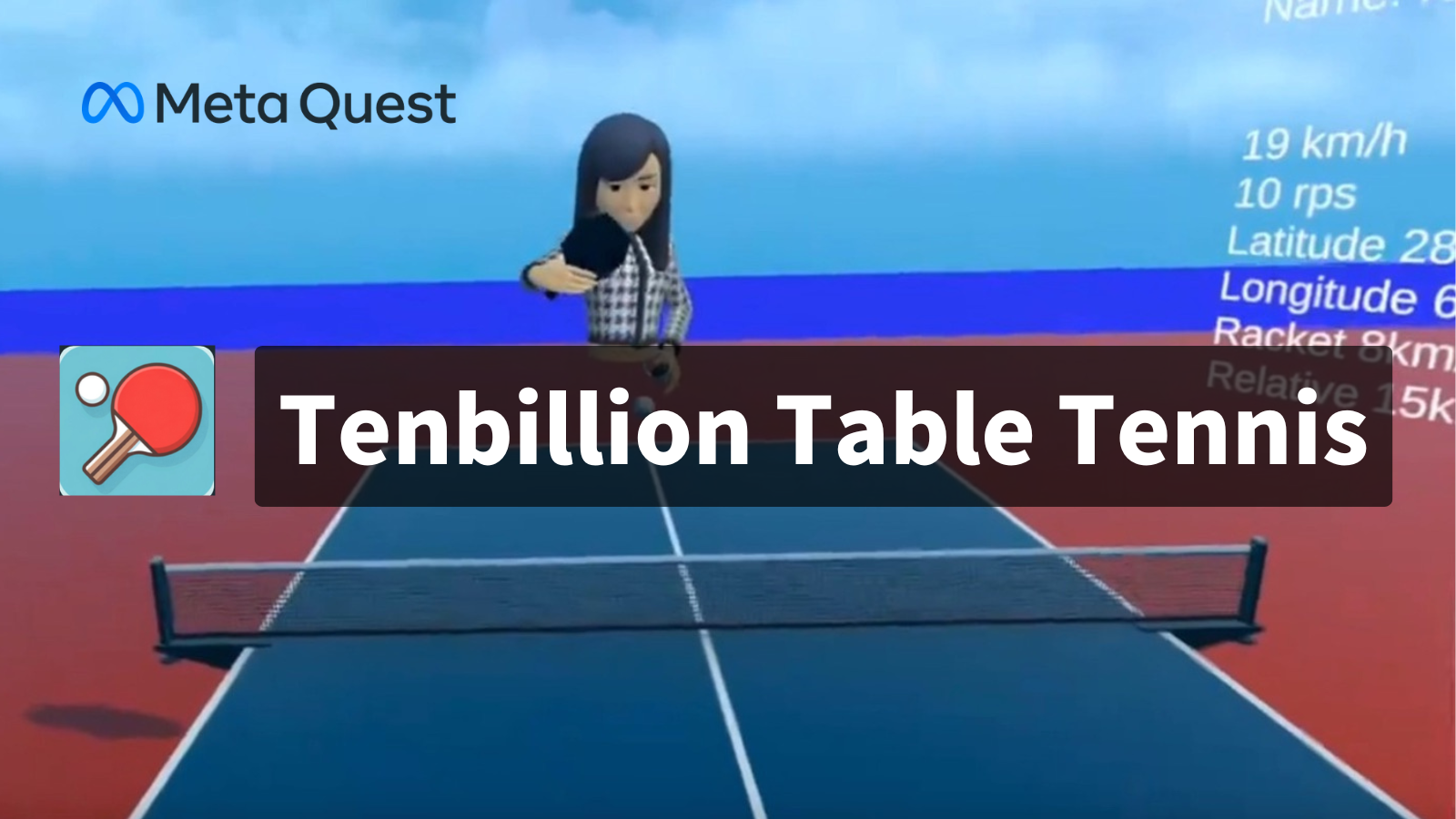
Tenbillion Table Tennisとの連携方法を解説しますWe will explain how to integrate with Tenbillion Table Tennis.

用具の登録や計測、パフォーマンスの追跡についてのヒントやアドバイスをご紹介します。This guide provides tips and advice for equipment registration..

QLOP Unlockの魅力と使い方をご紹介します! Let’s dive into what QLOP Unlock offers and how you can make the most of it.