つくば市のふるさと納税返礼品に、QLOPラバーカッターが登場しました!
つくば市のふるさと納税返礼品に、QLOPラバーカッターが登場しました!
Log In
Enable the Connection
つくば市のふるさと納税返礼品に、QLOPラバーカッターが登場しました!
XIOMとQLOP、韓国市場で協業開始第一弾として卓球専用ラバーカッター「EZCUT」を展開へ
メジャーリーグテーブルテニス優勝メンバーの面田采巳選手とQLOPがスポンサー契約を締結
「卓球を、次の世界へ。」VICTAS × QLOP “ラバーを切る” という文化が、卓球を進化させる。
「ラバーを切る」という小さな挑戦が、世界の卓球を変えるかもしれない
卓球専用ラバーカッターで世界へ挑む ── つくば発QLOP、目標897万円のクラウドファンディングを一般公開
世界の卓球市場に革新を!つくば発・卓球ラバーカッターが20年ぶりに再始動~TikTok80万回再生、Reddit6万ビューの大反響~
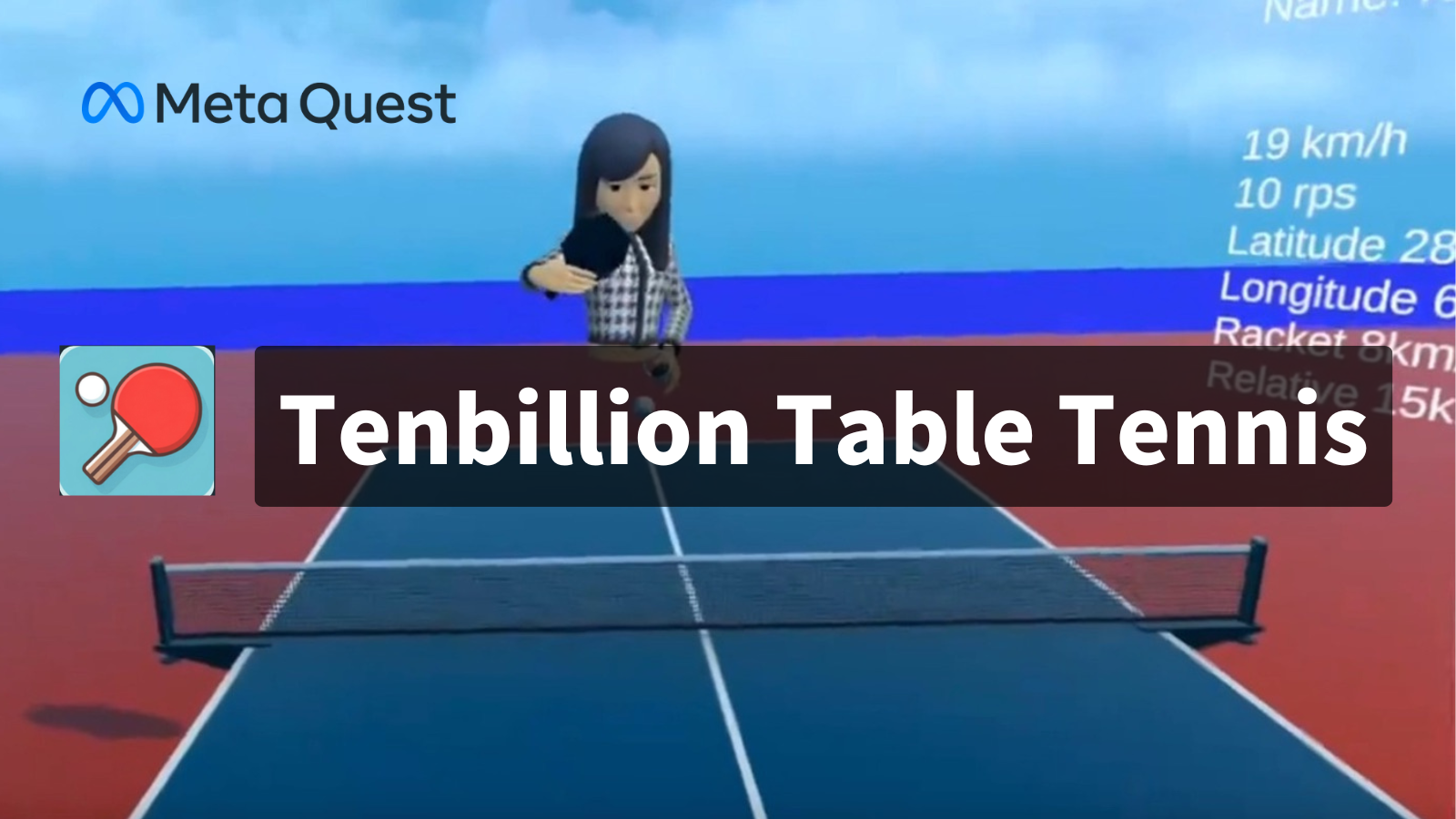
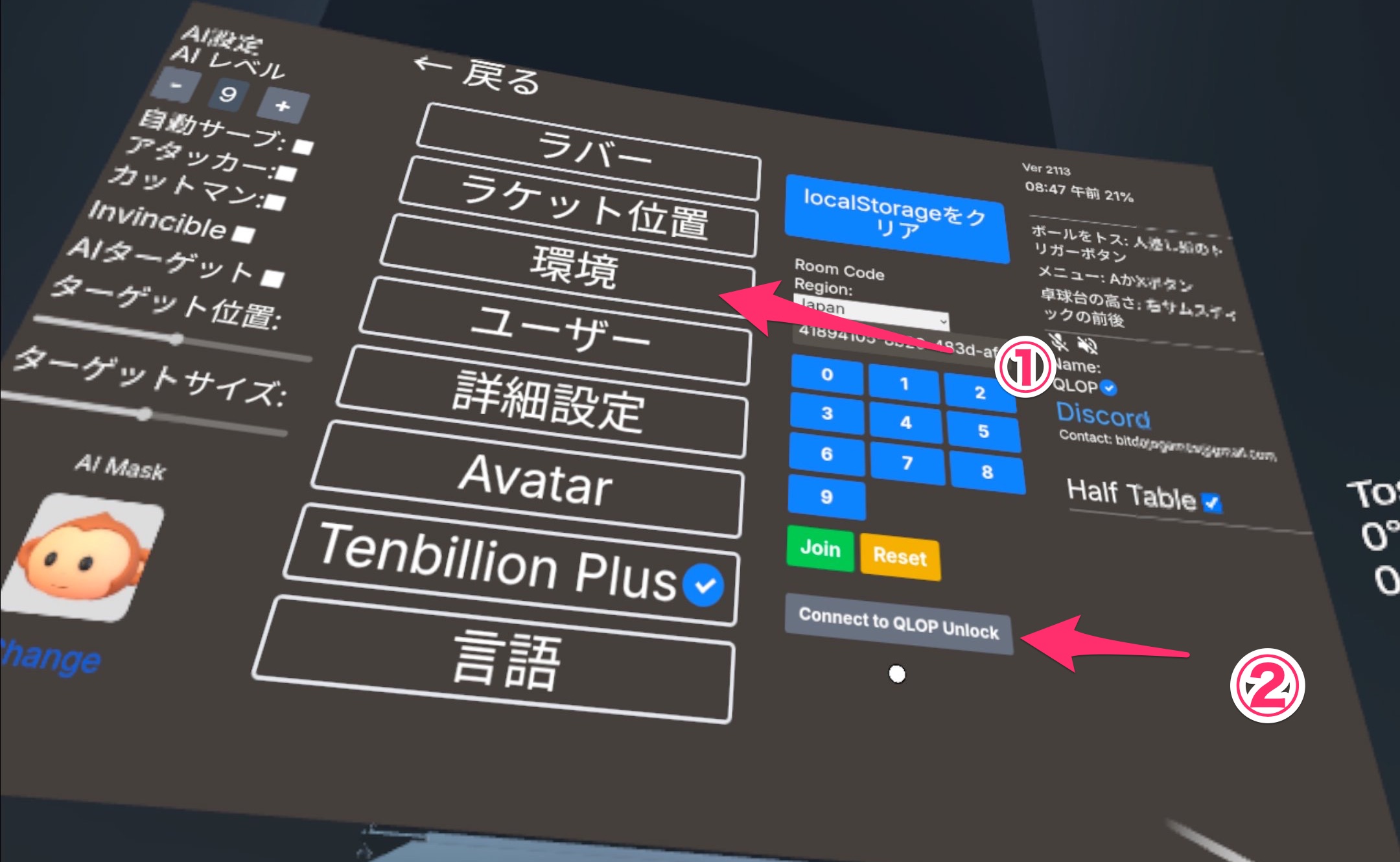
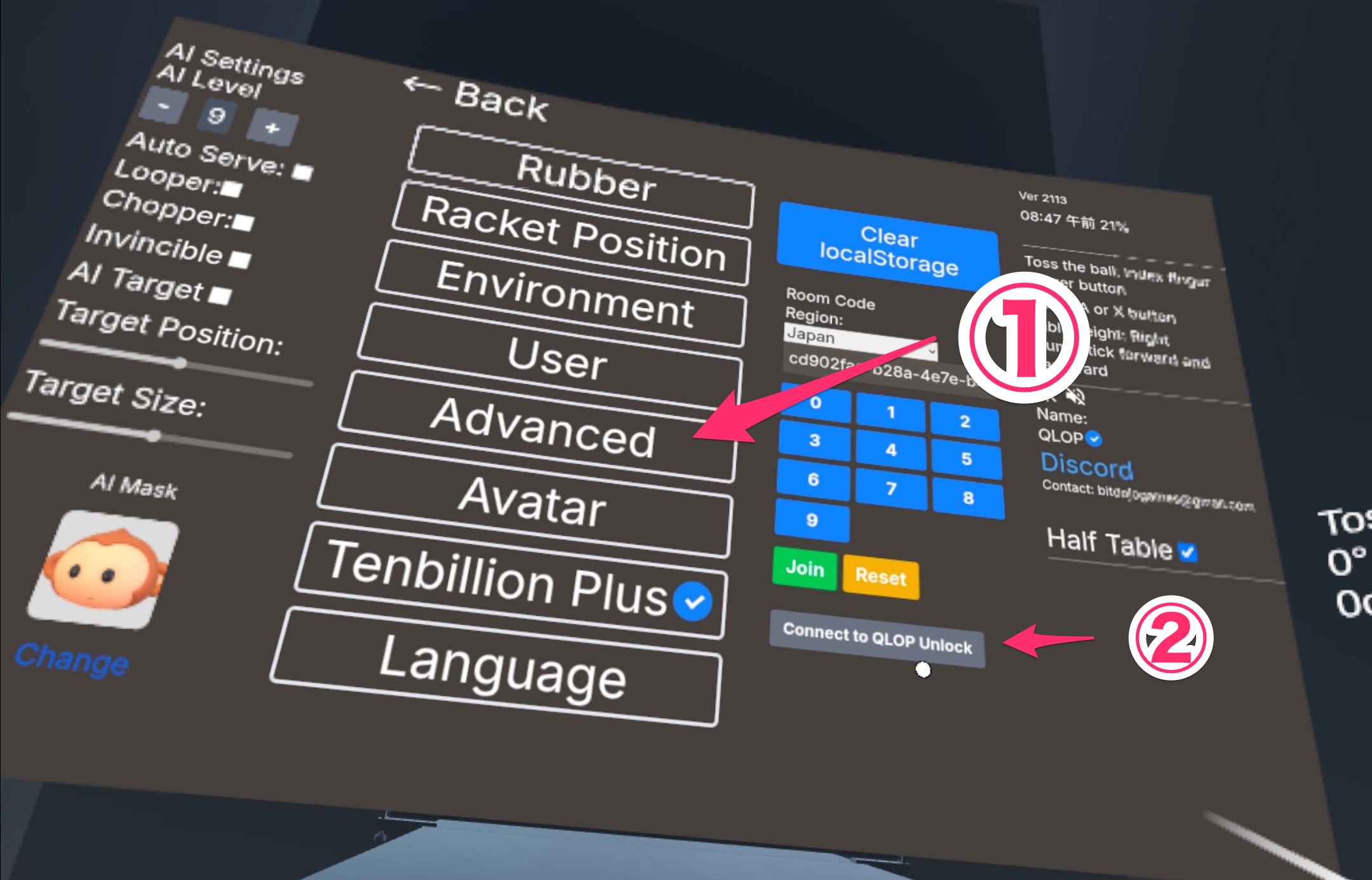
Tenbillion Table Tennisとの連携方法を解説しますWe will explain how to integrate with Tenbillion Table Tennis.
用具の登録や計測、パフォーマンスの追跡についてのヒントやアドバイスをご紹介します。This guide provides tips and advice for equipment registration..
QLOP Unlockの魅力と使い方をご紹介します! Let’s dive into what QLOP Unlock offers and how you can make the most of it.